

Subscribe to our one-month free trial, without commitment!



Do you use AssisTime forms? If so, here are some new features you'll probably find very useful. If not, I still invite you to read this article, because you'll probably fall for electronic forms, which save you time and money. I'll also explain how to send forms by email.
Before going any further, if you don't use forms in AssisTime yet, I suggest you read the article Save Time and Money by Moving Your Paper Records into AssisTime!
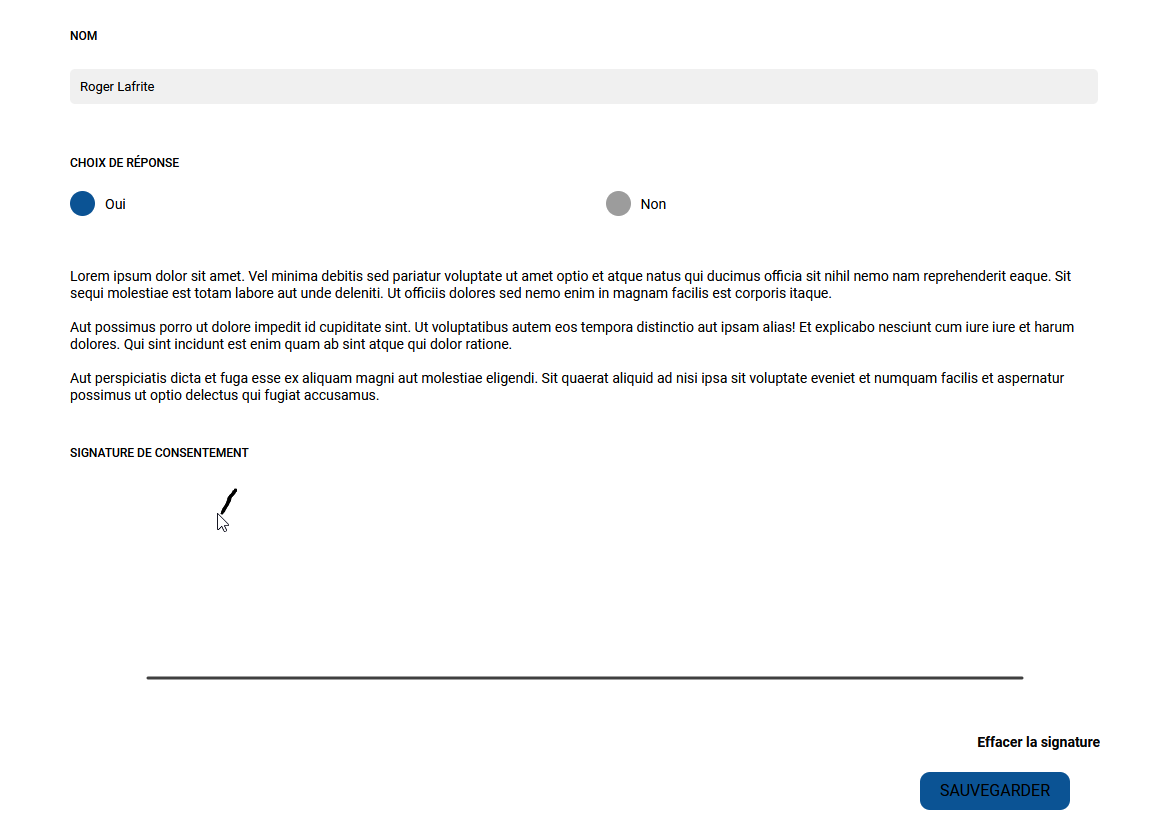
Here are the two new types of content you can add to your forms.
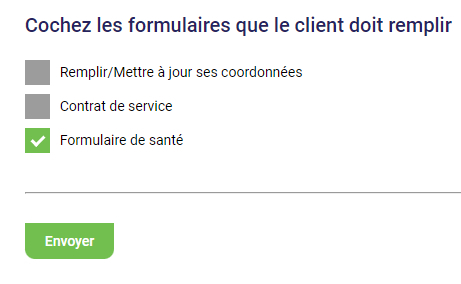
Now that your form templates are created, you can email them to your clients. After choosing a client, select Form and then Send a form to fill out in the client menu.

Next, select the type of form you want, then click Send to send the form to your client.
I hope you like these features and that they help you in your work. Note that other features are available for forms. They are described in more detail in the article mentioned above.
Subscribe to our one-month free trial, without commitment!
You will be charmed by the interface and the ease of use!
