

Subscribe to our one-month free trial, without commitment!



To give your business image a professional touch, AssisTime lets you add your accent colour to your online appointment booking portal and to the emails you send your clients.
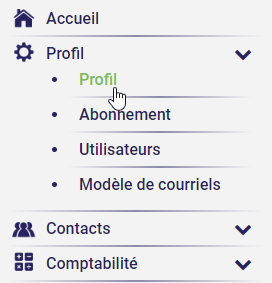
Setting up your accent colour is very easy. Go to the menu at the top left of your AssisTime account and select Profile, Profile.
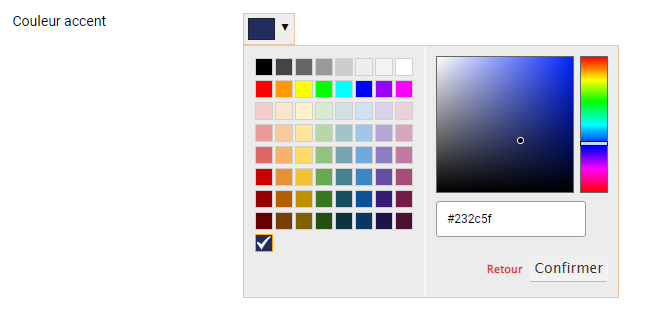
Scroll down a little and you'll see Accent colour. You can now choose, from a wide range of shades, the colour that best defines your business.
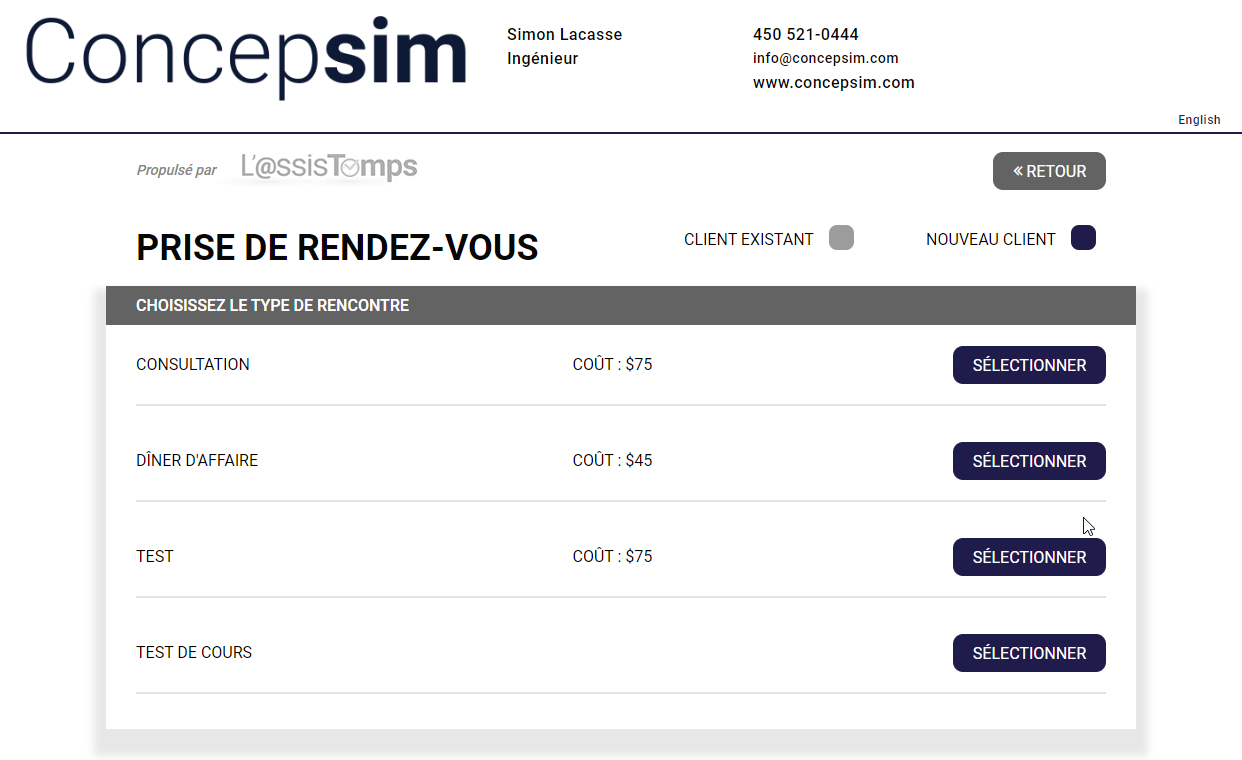
Here's what your online appointment booking portal could look like...
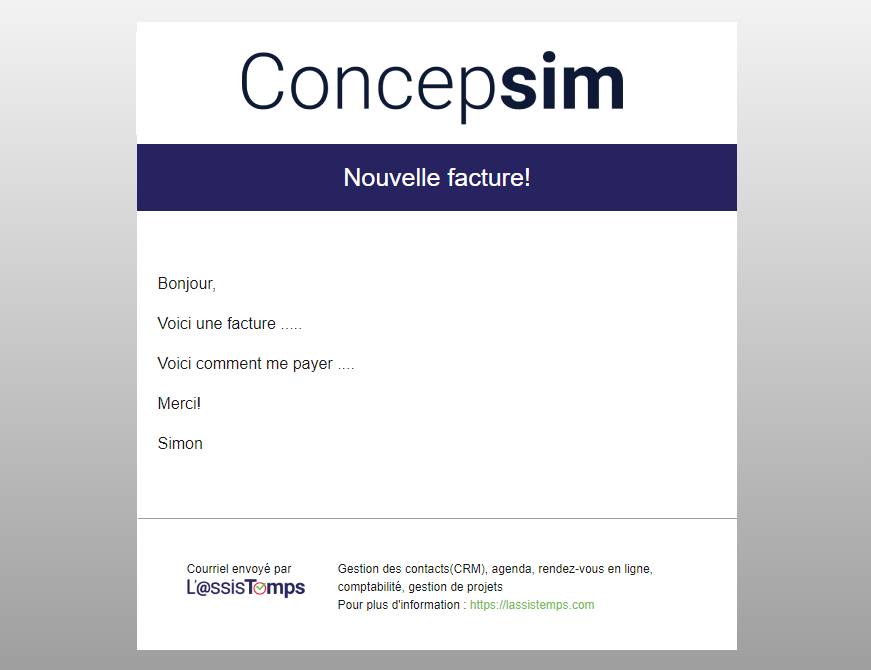
...and your emails:
Subscribe to our one-month free trial, without commitment!
You will be charmed by the interface and the ease of use!
